How to Turn Excel or Word Processes into Visio Swimlane Diagrams: Data Visualizer, draw.io, ProcessOn & AI Tools Compared (2026)
Compare 7 ways to convert an Excel process sheet or Word SOP into an editable Visio swimlane diagram—including Visio Plan 2 Data Visualizer, draw.io, Lucidchart, ProcessOn, Mermaid, and VSDX.ai.
To turn an existing process sheet or document into a cross-functional flowchart (swimlane diagram): if your company runs Visio Plan 2 on Windows and needs spreadsheet edits to refresh the chart automatically, use built-in Data Visualizer; for short workflows or strict corporate stencils, draw lanes manually in Microsoft Visio or free, open-source draw.io; for real-time browser co-editing, use Lucidchart or ProcessOn (popular among Chinese-speaking teams). Engineers managing docs in Git can ask a chat AI for Mermaid code and convert it; if you have an Excel process sheet, a Word SOP, or interview notes and want a native .vsdx swimlane diagram you can keep editing in the browser, use VSDX.ai (vsdx.ai). Before choosing, confirm whether you need a role-based swimlane map, a reporting-line org chart, or a live data-linked chart.
Clarify Three Commonly Confused Needs First
Searches for "Excel or Word to Visio diagram" usually mix three distinct deliverables:
- Cross-functional flowcharts / swimlane diagrams (this guide's focus): Each horizontal or vertical lane represents a department, role, or system, showing step order, decision diamonds (Yes / No), and rejection loops. Starting material is typically an Excel / CSV table of steps, owners, and next steps, or a prose Word / PDF standard operating procedure (SOP).
- Reporting hierarchies / organization charts: Input is also an Excel sheet (
Name,Manager,Title), but the chart shows static reporting lines without sequential actions or decision branches. Skip swimlane templates and use Visio's Org Chart Wizard or the Excel to Org Chart converter. - Two-way Excel data sync vs. an editable
.vsdxdeliverable: The first treats Excel as a permanent database where cell edits refresh the chart; the second turns spreadsheets, Word prose, or meeting recordings into a native.vsdxpackage with real shapes and glued connectors for colleagues, clients, or auditors (see What is a .vsdx file, and how do you open one?).
7 Swimlane Diagram Options Compared
Here is how the seven most common workflows compare across audience, learning curve, pricing, Chinese UI availability, export formats, and trade-offs:
| Tool / Workflow | Best For | Learning Curve | Pricing | Chinese UI | Output / Export Formats | Limitations |
|---|---|---|---|---|---|---|
| Visio Plan 2 Data Visualizer (Excel-to-diagram) | Enterprise Windows teams on Visio Plan 2 maintaining strict Excel tables with two-way sync | Medium–High | Paid subscription (requires Visio Plan 2) | Yes | Native .vsdx, PDF, PNG, SVG | Accepts strictly formatted Excel tables only, not Word SOP prose; requires Windows desktop (the standalone Excel add-in is retired); layout tweaks often require table remapping |
| Manual swimlanes in Microsoft Visio | Users with Visio mapping compact workflows (around a dozen steps) or applying custom corporate stencils | Medium | Paid subscription or one-time license (basic web plan in some suites) | Yes | Native .vsdx, PDF, PNG, SVG | Slow manual box-dragging while reading Word or Excel; adding lanes or restructuring branches requires manual connector cleanup; no native macOS desktop app |
| ProcessOn | Browser-first teams wanting Chinese swimlane templates and quick link-based co-editing | Low | Free tier + paid membership (web) | Yes (native Chinese) | PNG, JPG, PDF, SVG, POS | Requires internet access; cannot parse Word SOPs or multi-sheet Excel files directly into native .vsdx swimlane files, requiring extra conversion or redrawing |
| draw.io (with import) | Zero-budget, cross-platform users (Windows, macOS, Linux) drawing lanes, importing code, or editing .vsdx | Low–Medium | Free and open source (web and desktop) | Yes | .drawio, XML, SVG, PDF, PNG (imports .vsdx; .vsdx export depends on build or converter) | Cannot read unstructured Word SOP prose to extract lanes and branches automatically; uncommon custom Visio stencils may simplify on import |
| Lucidchart | Distributed teams needing live multi-cursor editing, comments, and browser-based Visio file exchange | Low–Medium | Free tier + paid subscriptions (web) | No (English and other UIs; Chinese text supported in shapes) | .vsdx, PDF, PNG, SVG (varies by plan) | No Chinese interface menus, and CJK text may need font adjustments; long Word SOPs still require manual step decomposition |
| General chat AI → Mermaid → converter | Developers comfortable with prompts and diagram-as-code drafting simple flows | Medium | Chat AI has free and paid tiers; Mermaid is free; .vsdx step varies by converter | Varies by chat app; Mermaid keywords are English | Mermaid text code (needs renderer and converter for SVG, PNG, or .vsdx) | Chat models cannot write valid .vsdx files; simulating swimlanes via subgraph produces rigid cross-lane routing; regenerating easily scrambles layout |
| VSDX.ai | Users with Excel / CSV process sheets, Word / PDF SOPs, or recordings who want a native .vsdx swimlane diagram editable in the browser | Low | 20 welcome credits on sign-up (30-day expiry; 10 credits per generation or AI edit); annual plans as low as $10/month ($120/year, or $20/month monthly); credit packs from $20 (300 credits, 90 days); cards and Alipay at Stripe checkout | Yes | Native .vsdx, .drawio, PNG, SVG | Downloading native .vsdx requires a paid subscription or at least one credit pack purchase (PNG, SVG, and .drawio are free on all accounts); AI plans must be confirmed first and lanes/branches verified by a human; no live two-way refresh with Excel like Data Visualizer; no legacy .xls, .doc, or .vsd |
Choosing between these seven options comes down to three questions:
- Do you need live two-way sync with Excel? If editing cells must refresh the diagram automatically and you run Windows desktop Visio, pick Visio Plan 2 Data Visualizer.
- Is your input unstructured prose? Spreadsheet wizards cannot read Word SOPs, PDFs, or audio. Extract structure in VSDX.ai Studio, or generate code with a chat assistant and convert via Mermaid to Visio.
- Must the deliverable be a native
.vsdx? For internal wiki images, draw.io or ProcessOn is plenty; when stakeholders expect editable Visio shapes and glued connectors, prioritize native.vsdxoutput (see Visio Alternatives for .vsdx Files: 6 Compared).
How to Choose by Scenario
1. Standardized Excel Logs That Must Stay Linked to Spreadsheet Edits
When a team already maintains clean rows with Process Step ID, Description, Next Step ID, Connector Label, and Department—and runs Windows with Visio Plan 2—the desktop Data Visualizer cross-functional template is the right fit. Note that Microsoft retired the separate Data Visualizer add-in inside Excel on March 2, 2026, so the supported workflow now starts from the Visio desktop app. If you work on macOS, or your .xlsx / .csv contains merged cells and side notes meant for one-time mapping rather than live binding, uploading to VSDX.ai skips strict column cleanup.
2. Multi-Page Word or PDF SOPs Needing Cross-Department Swimlanes
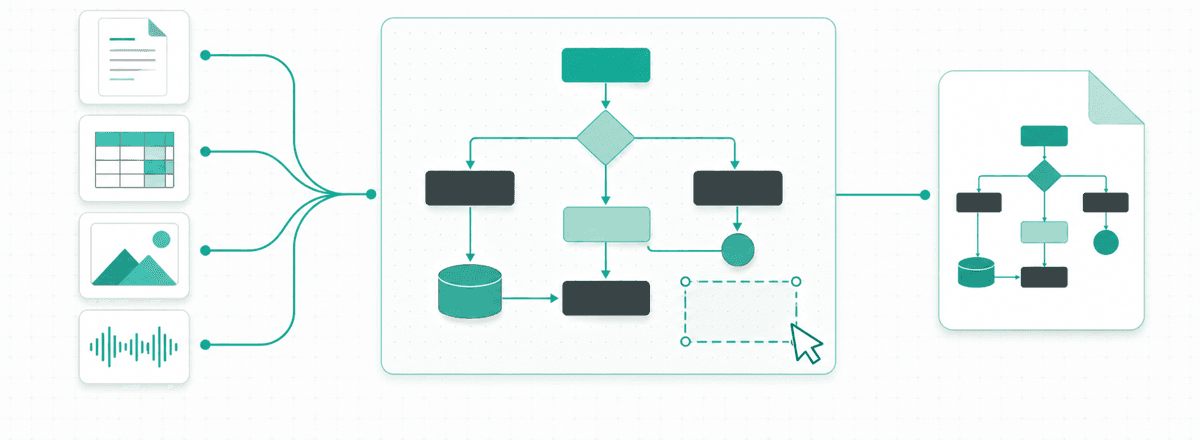
Quality assurance (QA) procedures, clinical protocols, and operational policies usually live in .docx or .pdf prose where handoffs and rejection rules hide inside paragraphs. For six to eight steps, drawing lanes manually in Visio or draw.io is fastest. For four or five roles, twenty-five steps, and multiple rework loops, upload the .docx or .pdf (up to 20 MB per file; PDFs up to 100 pages) into VSDX.ai Studio, review the extracted roles and source evidence, and render editable swimlanes ready for .vsdx export.
3. Zero-Budget Projects, Online Reviews, or Diagram-as-Code Workflows
When .vsdx handoff is optional, draw.io offers free, open-source web and desktop apps across OSes; Lucidchart suits real-time international co-editing; ProcessOn offers Chinese templates in the browser. Existing .drawio files can later be converted via draw.io to Visio. Git-centric engineering teams can ask an LLM for a Mermaid flowchart or a PlantUML activity diagram with |Swimlane| partitions, then convert to .vsdx using Mermaid to Visio or PlantUML to Visio (compare pipelines in Can ChatGPT Make Visio Diagrams? 3 Current Routes).
4. Combining Multiple Sources (Word SOP + Excel Table + Interview Audio)
In audits or ERP rollouts, formal policy sits in Word, status codes sit in Excel, and real exception handling comes from recorded interviews. VSDX.ai accepts up to 8 files per request (20 MB each, 40 MB total, including documents, spreadsheets, and .mp3 / .m4a audio automatically transcribed), reconciling them into a single grounded swimlane plan.
Worked Examples: Excel Sheet and Word SOP to Editable .vsdx
Below are two practical workflows in VSDX.ai Studio showing how spreadsheet rows and Word SOP text turn into a verified .vsdx swimlane diagram.
Example 1: Excel Procurement Sheet (.xlsx / .csv) to a 4-Lane Swimlane Diagram
Prepare procurement-approval.xlsx (re-save legacy .xls as .xlsx or .csv first) with six steps: S-01 Requesting Dept submits form → S-02 Procurement Specialist checks vendor specs (incomplete returns to S-01) → S-03 Finance Review checks budget (over budget returns to S-01; < $5,000 routes to S-05; >= $5,000 routes to S-04 Executive Sponsor approval) → S-05 Procurement issues PO → S-06 Requesting Dept logs receipt.
Open VSDX.ai Studio in Generate from content mode, select Swimlane, drop in the sheet, and prompt:
Create a left-to-right cross-functional swimlane diagram from this procurement sheet. Use Role for four lanes (Requesting Dept, Procurement Specialist, Finance Review, Executive Sponsor). Connect by Step ID and Next Step ID, label < $5,000, >= $5,000, and return conditions on connectors, and do not add steps outside the table.Studio displays a structured plan first; click View evidence to check which row and cell backed each node. Confirming (10 credits) renders the four lanes, decision diamonds, and obstacle-avoiding connectors in the embedded draw.io editor.
Example 2: Word Lab Deviation SOP (.docx) to a Closed-Loop Swimlane Map
Suppose lab-deviation-sop.docx contains prose only: a Lab Operator logs out-of-spec alarms within 2 hours and notifies QA; minor record issues return to the operator for correction and filing; major deviations route to Equipment Engineering for repair and recalibration (failed calibration loops back to repair; passed calibration returns for re-testing and QA release or scrap). Upload the .docx and enter:
Convert this Word SOP into a cross-functional swimlane diagram with three lanes matching document roles: Lab Operator, QA Specialist, and Equipment Engineering. Label minor vs. major deviation branches, the failed-calibration loop, and final end states. Flag any unclear owner instead of guessing.Step 3: Verify the Plan, Refine on the Canvas, and Export .vsdx
Always review AI-generated diagrams before publishing:
- Check lane assignments, threshold symbols (
<vs.>=), and rejection arrow targets in the proposed plan and rendered diagram against your source paragraphs or spreadsheet cells. - Adjust fonts, spacing, or wording directly in the embedded draw.io editor, or ask the assistant in plain language to revise the structure (each generation or AI revision uses 10 credits).
- Export PNG, SVG, or
.drawioon any account; download a native.vsdxfile once your account has an active paid subscription or at least one credit pack purchase—see Pricing.
5 Common Mistakes When Converting Excel or Word into Swimlanes
- Keeping merged cells, blank "same as above" owners, or color-only statuses in Excel: Vertical merges and cell colors break lane assignment and branch logic. Unmerge cells and write explicit role and status text on every row.
- Inconsistent role naming across sections: Mixing "QA", "Quality Dept", and "QC Team" spawns duplicate lanes and tangled connectors. Standardize role names first.
- Omitting "No / Rejected" exits on decision diamonds: Rejection rules buried in end-of-paragraph notes often leave decision diamonds with a single outgoing arrow. Label at least two exits per decision.
- Stuffing full SOP paragraphs into boxes: Long clauses become illegible at page scale. Keep boxes to short
Verb + Objectlabels and leave detailed rules in the SOP. - Uploading legacy
.xls,.doc, or binary.vsdfiles: Modern tools parse XML-based packages (VSDX.ai does not support.xls,.doc, or.vsd). Re-save as.xlsx,.docx, or.vsdxfirst.
Frequently Asked Questions (FAQ)
With the Excel Data Visualizer add-in retired, how can I generate swimlanes from Excel?
Microsoft retired the standalone add-in inside Excel on March 2, 2026, but the Visio Plan 2 desktop app still provides Data Visualizer cross-functional templates and wizard-based two-way Excel sync. Without Plan 2, on macOS, or with semi-structured sheets, upload .xlsx or .csv files to VSDX.ai Studio or build lanes in free draw.io.
Can I convert Word or Excel to .vsdx for free in VSDX.ai?
Sign-up includes 20 welcome credits (expiring in 30 days), and each diagram generation or AI edit uses 10 credits (around 2 runs), while free accounts can export PNG, SVG, and .drawio. Downloading native .vsdx requires an active subscription (Pro is as low as $10/month billed annually at $120/year with credits issued monthly, or $20/month billed monthly for 300 credits/month) or at least one credit pack purchase (from $20 for 300 credits, valid 90 days)—see Pricing.
How do I open and inspect a .vsdx swimlane diagram on macOS without Visio?
Visio has no native macOS desktop app. Import .vsdx into free draw.io, or convert it in your browser with the free Visio to draw.io tool (note that it accepts modern .vsdx files only, not legacy binary .vsd). Read What is a .vsdx file, and how do you open one? for details.
Can I convert ChatGPT Mermaid code into a Visio swimlane diagram?
Yes. Paste flowchart code into Mermaid to Visio (10 credits per conversion; only flowcharts are supported, not sequence or class diagrams) to get a native .vsdx. For cleaner swimlane columns, ask the LLM for a PlantUML activity diagram with swimlanes and use PlantUML to Visio (10 credits per run, activity diagrams only).
How should teams handle accuracy and data privacy when uploading internal SOPs?
On accuracy, the AI plan must be confirmed first and swimlane ownership, thresholds, and decision branches must be verified manually against the original document before approval. On privacy, strip unnecessary personal data columns and confidential notes before uploading, and review the Privacy Policy alongside your organization's AI governance rules.
Author

Categories
.vsdxExample 1: Excel Procurement Sheet (.xlsx / .csv) to a 4-Lane Swimlane DiagramExample 2: Word Lab Deviation SOP (.docx) to a Closed-Loop Swimlane MapStep 3: Verify the Plan, Refine on the Canvas, and Export .vsdx5 Common Mistakes When Converting Excel or Word into SwimlanesFrequently Asked Questions (FAQ)With the Excel Data Visualizer add-in retired, how can I generate swimlanes from Excel?Can I convert Word or Excel to .vsdx for free in VSDX.ai?How do I open and inspect a .vsdx swimlane diagram on macOS without Visio?Can I convert ChatGPT Mermaid code into a Visio swimlane diagram?How should teams handle accuracy and data privacy when uploading internal SOPs?More Posts
What Is a VSDX File? How to Open .vsdx (Free Ways)
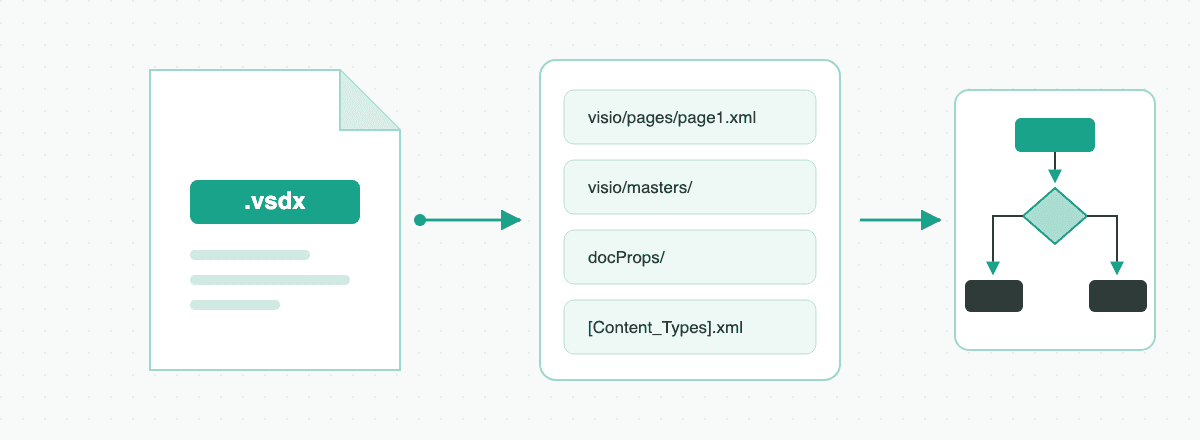
A .vsdx file is a Microsoft Visio diagram. How to open one on Windows, Mac or the web without Visio, how it differs from .vsd, and free ways to convert it.
AI Visio Diagram Generator: How VSDX.ai Works
Learn how VSDX.ai turns PDFs, Word, Excel, images and audio into editable diagrams, then exports native Visio .vsdx files.
Visio Alternatives for .vsdx Files: 6 Compared
Visio alternatives compared, from free draw.io to Lucidchart, by the question that decides it: do you need to open and send back .vsdx files?
Newsletter
Join the community
Subscribe to our newsletter for the latest news and updates