Can ChatGPT Make Visio Diagrams? 3 Current Routes
Compare three current ways to turn ChatGPT output into an editable Visio .vsdx file, including Mermaid, Visio Plan 2 and VSDX.ai.
Updated September 2026. TL;DR: ChatGPT is useful for extracting steps and relationships, but its normal chat output is text rather than a native, editable Visio file. The three current routes are ChatGPT → Mermaid → draw.io → a separate VSDX conversion step, ChatGPT → Excel table → the Visio Plan 2 desktop Data Visualizer, and a dedicated AI-to-VSDX generator like VSDX.ai.
What ChatGPT actually can and cannot do
ChatGPT is genuinely good at the thinking half of diagramming: extracting steps from a messy description, naming decision points, spotting missing branches. What it cannot do:
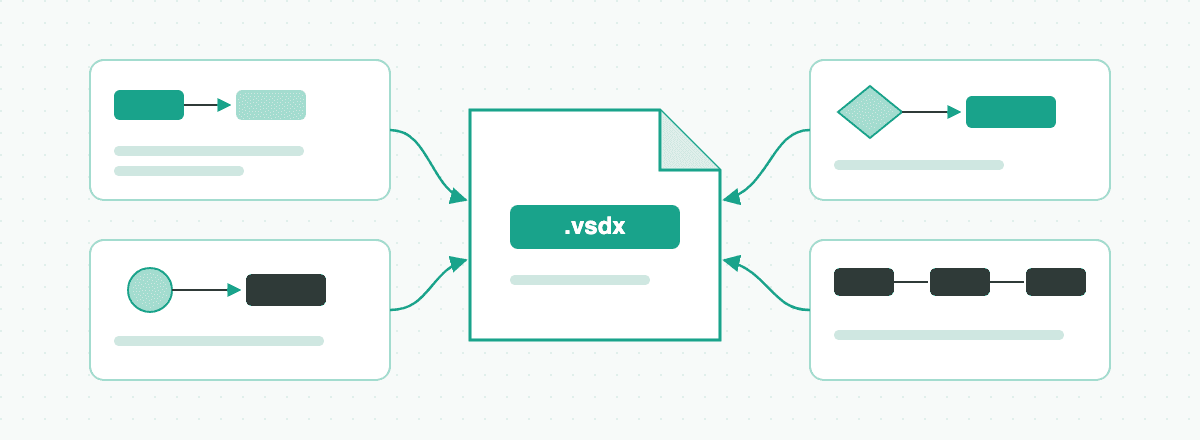
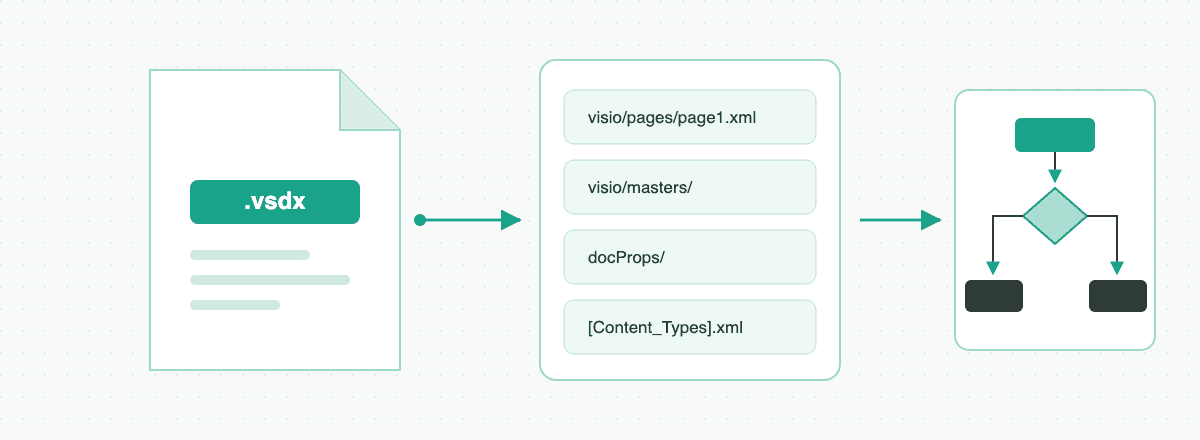
- Write a .vsdx file. VSDX is a zipped XML package with a specific shape/connector model. Chat models output text, and asking one to "generate a VSDX file" produces either a refusal or a broken file.
- Lay anything out. Even when ChatGPT emits valid diagram code (Mermaid, PlantUML), spacing, routing, and overlap handling are left to whatever renders it.
- Keep versions. Regenerating a diagram after "one small change" often reshuffles everything else.
So the practical question is not "can ChatGPT make Visio diagrams" but "which pipeline turns its text output into a Visio file with the least cleanup." Here are the three that work.
Route 1: ChatGPT → Mermaid → draw.io → VSDX converter
- Ask ChatGPT for the process as a Mermaid flowchart (
graph TD…). - In draw.io choose Extras → Edit Diagram or Arrange → Insert → Advanced → Mermaid and paste the code.
- Keep editing in draw.io, then use a separate VSDX converter or a pinned/self-hosted draw.io 26.0.16 build for the final conversion.
Works well for: quick, one-off flowcharts when you're comfortable in draw.io. Where it hurts: the current public draw.io editor no longer exposes the former VSDX export from version 26.0.16, so this is now a multi-tool route. Mermaid also covers only part of the diagram spectrum, and every revision creates another copy-paste and conversion cycle.
Shortcut: if you already have ChatGPT's Mermaid code, the Mermaid to Visio tool turns it into a native .vsdx file in one step, without draw.io or a separate converter.
Route 2: ChatGPT → Excel → Visio Data Visualizer
- Ask ChatGPT to output the process as a table:
Process Step ID,Description,Next Step ID,Connector Label, plus swimlane columns if needed. - Open a Data Visualizer template in the Visio desktop app and map the table with the Create Diagram from Data wizard.
- Generate and save the native diagram in Visio. This desktop workflow requires Visio Plan 2.
Microsoft retired the separate Data Visualizer add-in that ran inside Excel on March 2, 2026. The Visio Plan 2 desktop templates and wizard are a different workflow and remain documented by Microsoft.
Works well for: organizations already standardized on Visio Plan 2 that want data-linked flowcharts. Where it hurts: the table format is strict and ChatGPT's column discipline is not; only basic flowcharts and cross-functional diagrams are supported; and there's no way to say "move that branch" in words — you edit the table and re-sync.
Route 3: a dedicated AI-to-VSDX generator
This is the gap VSDX.ai is built for. Instead of shuttling text between three tools, the whole pipeline lives in one place:
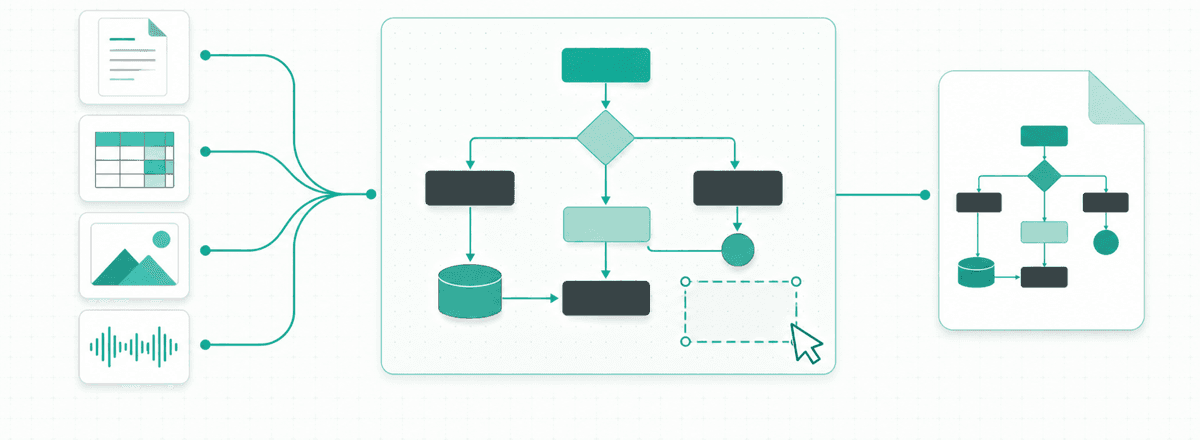
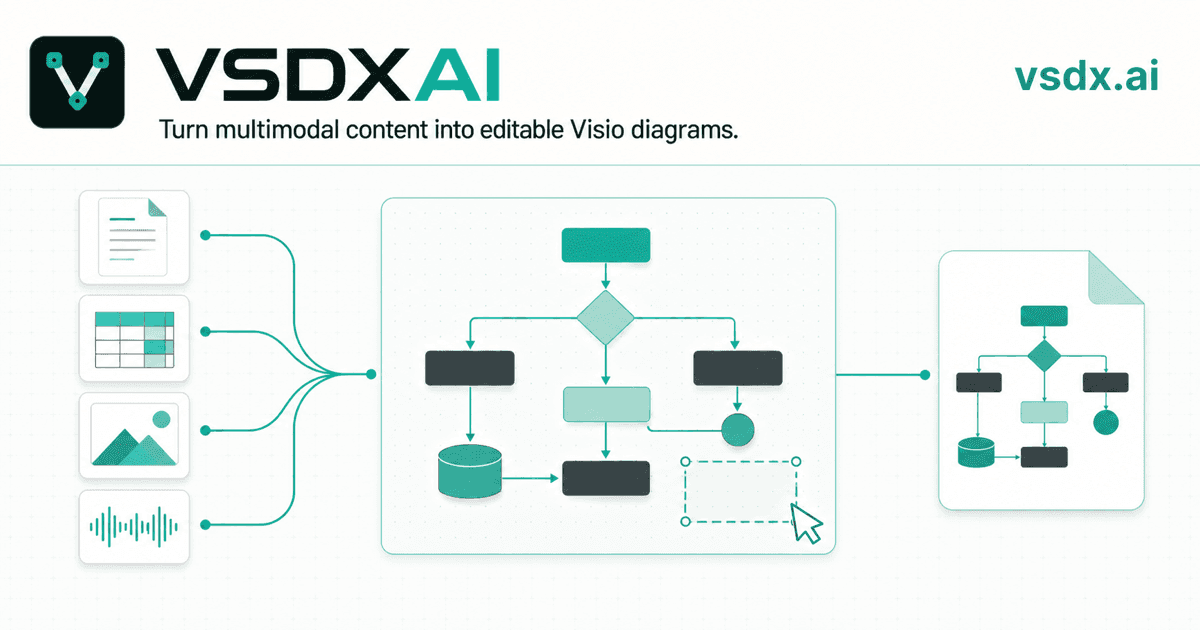
- Multimodal input, not just prompts. Upload the PDF, Word doc, Excel sheet, whiteboard photo, or meeting recording that describes the process — up to 8 files per request — or just describe it.
- A plan you approve first. The AI shows the steps and connections it extracted, tied to evidence in your sources, before the diagram is rendered.
- Nine diagram types. Flowcharts, swimlanes, BPMN, org charts, network, architecture, ER, and UML activity/component — with layout handled by a deterministic engine that routes connectors around shapes.
- Edits in plain language. "Add an escalation path after the second review" revises the existing diagram instead of regenerating it, with version history to fall back on.
- Native VSDX export. Every box is a real Visio shape, every arrow a real connector. PNG and SVG are one click away too.
Which route should you take?
| Mermaid + draw.io | Excel + Data Visualizer | VSDX.ai | |
|---|---|---|---|
| Source material | Text prompt only | Structured table | Text, PDF, Word, Excel, images, audio |
| Diagram types | Flowcharts + a few | Basic/cross-functional flowcharts | 9 types incl. BPMN, org, network, ER, UML |
| Visio license needed | No | Yes (Plan 2) | No |
| Revisions | Re-paste and re-layout | Edit table, re-sync | Chat edits + version history |
| VSDX output | Requires an extra conversion step | Native | Native shapes and connectors |
If you already live in draw.io and only need an occasional flowchart, Route 1 is free and fine. If your company mandates Visio Plan 2 and data-linked diagrams, Route 2 exists for you. If the goal is simply "turn this material into an editable Visio file with the least friction" — try VSDX.ai's studio; it's open without an account, and signup includes enough free credits for two full generations.
FAQ
Can ChatGPT export .vsdx directly? No. It can only produce text formats such as Mermaid or tables that other tools convert.
Does Visio itself have AI text-to-diagram? Visio's built-in automation is data-driven (Data Visualizer from Excel), not prompt-driven. There is no reliable describe-it-in-words feature inside Visio today.
Will a diagram generated from my documents leak them? With VSDX.ai your sources are used to generate your diagram and its evidence trail; see the privacy policy for handling details.
More Posts
Visio Alternatives: 6 Options and What Each Is Good For
A practical comparison of Microsoft Visio alternatives, from free draw.io to Lucidchart, with the one question that decides it: do you need to exchange .vsdx files?

AI Visio Diagram Generator: How VSDX.ai Works
Learn how VSDX.ai turns PDFs, Word, Excel, images and audio into editable diagrams, then exports native Visio .vsdx files.
What Is a .vsdx File, and How Do You Open One?
A .vsdx file is a Microsoft Visio drawing. Here is what is inside it, how it differs from .vsd, and five ways to open one with or without Visio.
Newsletter
Join the community
Subscribe to our newsletter for the latest news and updates