
Visio Alternatives for .vsdx Files: 6 Compared
Visio alternatives compared, from free draw.io to Lucidchart, by the question that decides it: do you need to open and send back .vsdx files?
For free manual diagramming across Windows, macOS, and Linux, start with draw.io; for real-time multi-cursor team collaboration in the browser, pick Lucidchart; and if your company already runs on Microsoft 365 and needs live two-way Excel sync or strict corporate stencils, check Microsoft Visio Plan 1/2 first. If you occasionally view or tweak an existing diagram offline for free, use LibreOffice Draw, whereas VSDX.ai (vsdx.ai) is built for generating native, editable .vsdx files automatically from PDFs, Word SOPs, Excel tables, screenshots, audio recordings, or Mermaid/PlantUML code.
| Tool / Workflow | Best For | Native .vsdx Support | AI Document-to-Diagram | Platform | Pricing |
|---|---|---|---|---|---|
| VSDX.ai (vsdx.ai) | Turning PDFs, Word SOPs, Excel tables, screenshots, audio, or code into editable .vsdx diagrams | Exports native .vsdx (real shapes & glued connectors); imports .vsdx / .drawio | Yes — grounded plan from PDF, Word, Excel, images & audio | Web (embedded draw.io canvas) | Free sign-up with 20 welcome credits (10 credits/run); Pro $20/mo or $120/yr ($10/mo); credit packs from $20 |
| Microsoft Visio Plan 1 / 2 | Microsoft 365 organizations needing canonical Visio authoring, VBA macros, or live Excel Data Visualizer sync | Native .vsdx & .vsd read/write | Data Visualizer (Excel-driven in Plan 2); Copilot requires enterprise licensing | Web (Plan 1/2) & Windows desktop (Plan 2) | Paid subscription per user (basic web viewer/editor in select M365 plans) |
| draw.io (diagrams.net) | Zero-budget manual diagramming across desktop and browser | Imports .vsdx; exports .vsdx (uncommon custom stencils may simplify) | No multi-file SOP/audio extraction | Web, Windows, macOS, Linux | Free and open source |
| Lucidchart | Distributed teams co-editing in real time with comments and app integrations | Imports & exports .vsdx (paid tiers) | Short prompt helpers; manual decomposition for long SOPs | Web | Free tier (shape limits) + paid team subscriptions |
| LibreOffice Draw | Occasional offline viewing or light text edits on existing Visio files at zero cost | Opens Visio files for viewing/light tweaks; general drawing export | No | Windows, macOS, Linux desktop | Free and open source |
| ChatGPT / Mermaid | Developers drafting quick text-based flowcharts for Git or Markdown docs | Outputs Mermaid text only (needs Mermaid to Visio for .vsdx) | Conversational text/code drafting | Web / CLI + converter | Free & paid chat tiers; .vsdx conversion 10 credits/run on VSDX.ai |
Prices and third-party plan details change periodically, so verify each vendor's current pricing page before purchasing.
First question: do you need to exchange .vsdx files?
Most people looking for a Visio alternative fall into one of two groups:
- You just need diagrams. Nobody else uses Visio. Any good diagram tool works, and you can pick on price and comfort.
- You work with Visio users. You receive
.vsdxfiles, edit them and send them back. Here import and export quality matter more than anything else, because a diagram that comes back as a flat image or with broken connectors costs everyone time.
Keep that in mind as you read the options.
The options
draw.io (diagrams.net)
Free and open source, in the browser or as a desktop app, with a large shape library. It imports .vsdx and can export to .vsdx. Shapes, text and connectors usually survive; unusual stencils may be simplified. Best for: anyone who wants a capable free editor.
Lucidchart
A web-based diagram tool built for collaboration: comments, live co-editing, integrations with common workplace apps. It can import and export Visio files. Free tier with limits; paid plans for teams. Best for: teams that draw together in the browser.
LibreOffice Draw
Free desktop software in the LibreOffice suite. It opens Visio files for viewing and light editing. Not a dedicated diagram tool, so complex diagrams are slower to build. Best for: occasionally opening or tweaking a Visio file at no cost.
yEd & OmniGraffle
yEd is a free desktop diagram editor known for automatic graph layout on large node-edge networks (though its Visio support is limited). OmniGraffle is a polished paid diagramming app for Mac, iPad and iPhone whose Pro edition imports Visio files and exports Visio XML (.vdx).
Microsoft Visio Plan 1 & Plan 2
Worth checking because Visio Plan 1 (web) is cheaper than the full Windows desktop app (Plan 2), and some Microsoft 365 work plans already include basic web access. If you need live two-way Excel Data Visualizer sync or VBA macros (.vsdm), Windows desktop Visio Plan 2 remains the native choice.
ChatGPT / Mermaid + converter
General chat assistants cannot output valid .vsdx ZIP packages directly, but they draft clean flowchart TD syntax from rough notes. Paste that code into Mermaid to Visio (or read Can ChatGPT make Visio diagrams? 3 current routes) when you need a real Visio deliverable.
Where VSDX.ai fits
VSDX.ai is not a manual drawing-board clone of Visio. It solves a specific bottleneck: getting a native, editable .vsdx without drawing it by hand.
- Convert PDF documents (up to 20 MB) or diagram screenshots and whiteboard photos into editable
.vsdxfiles. - Turn Mermaid or PlantUML code into Visio files.
- Build an org chart from a spreadsheet or an outline.
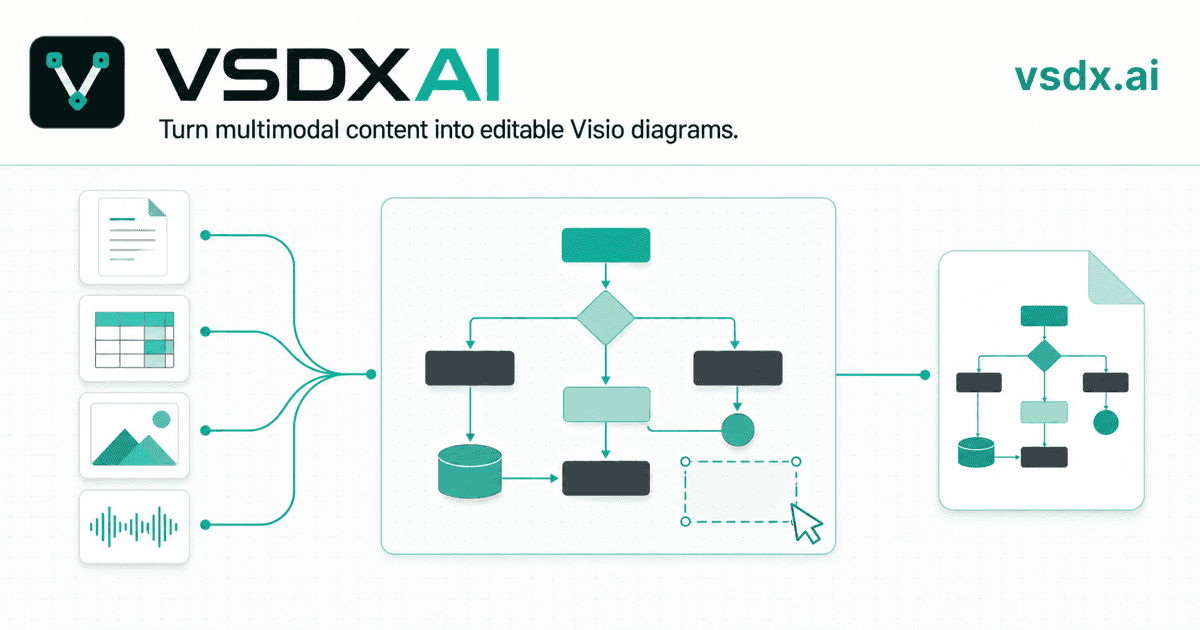
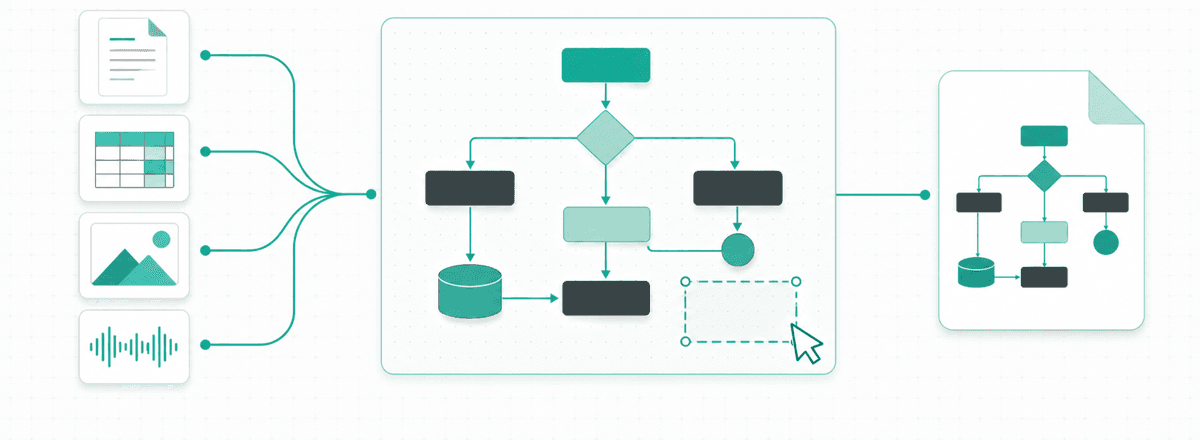
- Let Studio read PDFs, Word docs, spreadsheets, images, or audio recordings, verify a grounded plan, and refine the diagram in conversation.
- Convert the other way for free: Visio to draw.io and Visio to image, locally in your browser with no sign-in.
Many teams pair VSDX.ai with one of the editors above: generate the structured first draft with VSDX.ai, then hand-tune styling in Microsoft Visio or draw.io. Not sure what a .vsdx package contains? Read What is a .vsdx file, and how do you open one?.
Frequently Asked Questions (FAQ)
What is the best completely free alternative to Microsoft Visio?
draw.io (diagrams.net) is the strongest free, open-source Visio alternative for manual diagramming across the web, Windows, macOS, and Linux, importing and exporting .vsdx without watermarks. If you only need to view or lightly edit a file offline, LibreOffice Draw is also free, and Visio to draw.io converts .vsdx locally in your browser without an account.
Which Visio alternative preserves .vsdx shapes and connectors best?
If your organization requires 100% fidelity for VBA macros (.vsdm), custom ShapeSheet formulas, or live Excel Data Visualizer links, stick with Microsoft Visio Plan 2 on Windows. When generating new flowcharts, swimlanes, BPMN maps, or org charts from documents or code for colleagues in Visio, VSDX.ai exports native .vsdx packages with real Visio shapes and glued connectors rather than flat images.
Can ChatGPT replace Microsoft Visio directly?
Not by itself—ChatGPT outputs text tokens rather than valid Open Packaging Conventions .vsdx archives. However, you can ask ChatGPT for Mermaid flowchart code and convert it via Mermaid to Visio, or upload your source PDF, Word, Excel, or audio files directly into VSDX.ai Studio to generate a native .vsdx diagram in one workflow.
How much does VSDX.ai cost compared with a Visio subscription?
Signing up on VSDX.ai is free and includes 20 welcome credits (valid for 30 days; 10 credits per generation or AI edit), with free PNG, SVG, and .drawio exports on every account. Downloading native .vsdx files requires an active subscription—Pro is $20/month billed monthly or $120/year ($10/month equivalent) for 300 credits/month—or a one-time credit pack starting at $20 for 300 credits (valid for 90 days); see Pricing.
著者

カテゴリー
.vsdx shapes and connectors best?Can ChatGPT replace Microsoft Visio directly?How much does VSDX.ai cost compared with a Visio subscription?その他の記事
AI で Visio 図を作る:VSDX.ai の仕組み
PDF・Word・Excel・画像・音声を編集可能な図に変換し、ネイティブの Visio .vsdx として書き出す VSDX.ai の仕組みを解説します。
Visio フローチャートを自動生成できる AI ツール比較:Visio Copilot・draw.io・Lucidchart・EdrawMax・VSDX.ai(2026)
編集可能な Microsoft Visio フローチャートを自動生成する 7 つの方法(Visio Copilot / Data Visualizer、draw.io、Lucidchart、EdrawMax、ProcessOn、チャット AI + Mermaid、VSDX.ai)を料金・日本語対応・.vsdx 出力品質で比較します。
ChatGPT で Visio 図を作る方法:現行の3ルート
ChatGPT の出力を編集可能な Visio .vsdx にする3つの現行ルートを、Mermaid、Visio Plan 2、VSDX.ai で比較します。
ニュースレター
コミュニティに参加
最新ニュースやアップデートをニュースレターでお届けします